
Backup How-Tos
How to Back Up an Android Phone to an External Hard Drive
Back up an Android phone to an external hard drive with a USB-C connection or a computer. Check compatibility, copy files, and verify the backup.
Step-by-step help for backing up a Windows PC, a phone or a photo collection, and for picking the right size drive.
Back up an Android phone to an external hard drive with a USB-C connection or a computer. Check compatibility, copy files, and verify the backup.
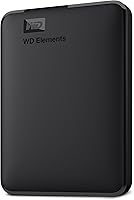
Learn how to back up Windows 11 to an external drive with File History, a system image, or file copies, and choose a drive for your backup plan.
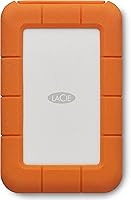
What is the best way to back up photos? Keep a copy on your device, an external drive, and cloud storage, then check that each backup works.
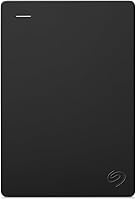
What size external hard drive do I need? Match 1TB, 2TB, 4TB or 6TB to your backup size, photo library and room to grow, then plan a second copy.